 Sky Duty
Digital Flight Logbook App for iOS
Log flights with custom templates, auto-fill from your schedule, and export to PDF or CSV. 47,000+ airports. Works offline.

A digital flight logbook that fills itself in
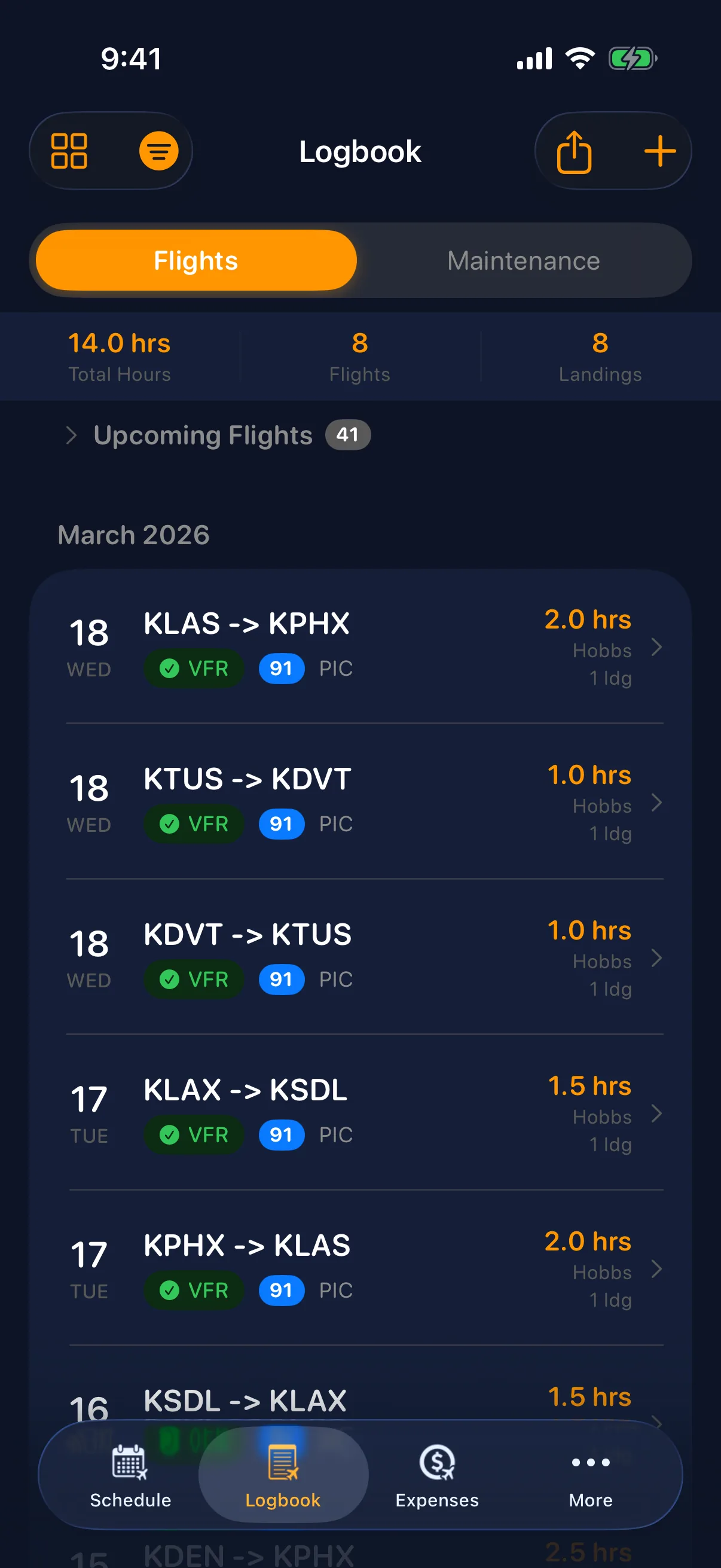
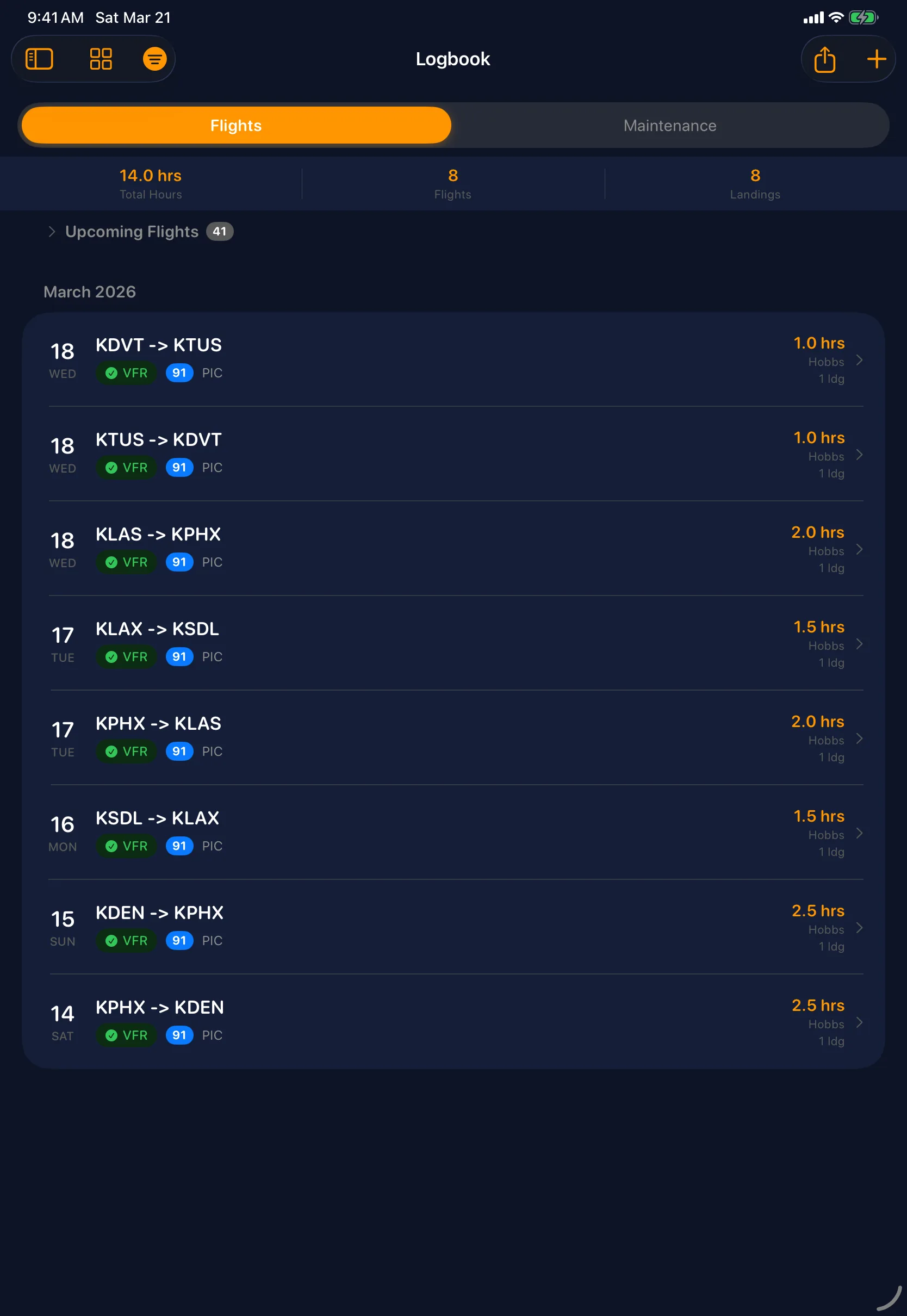
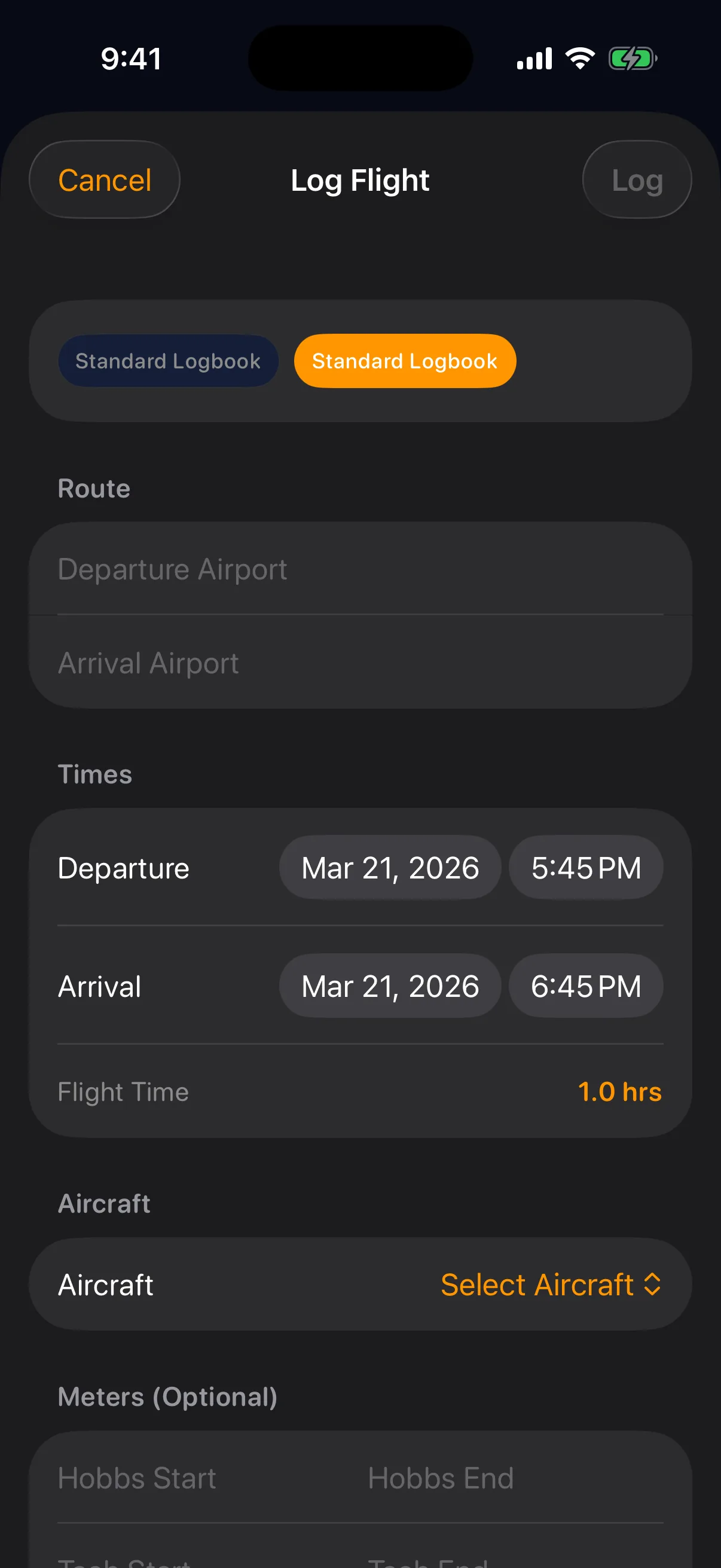
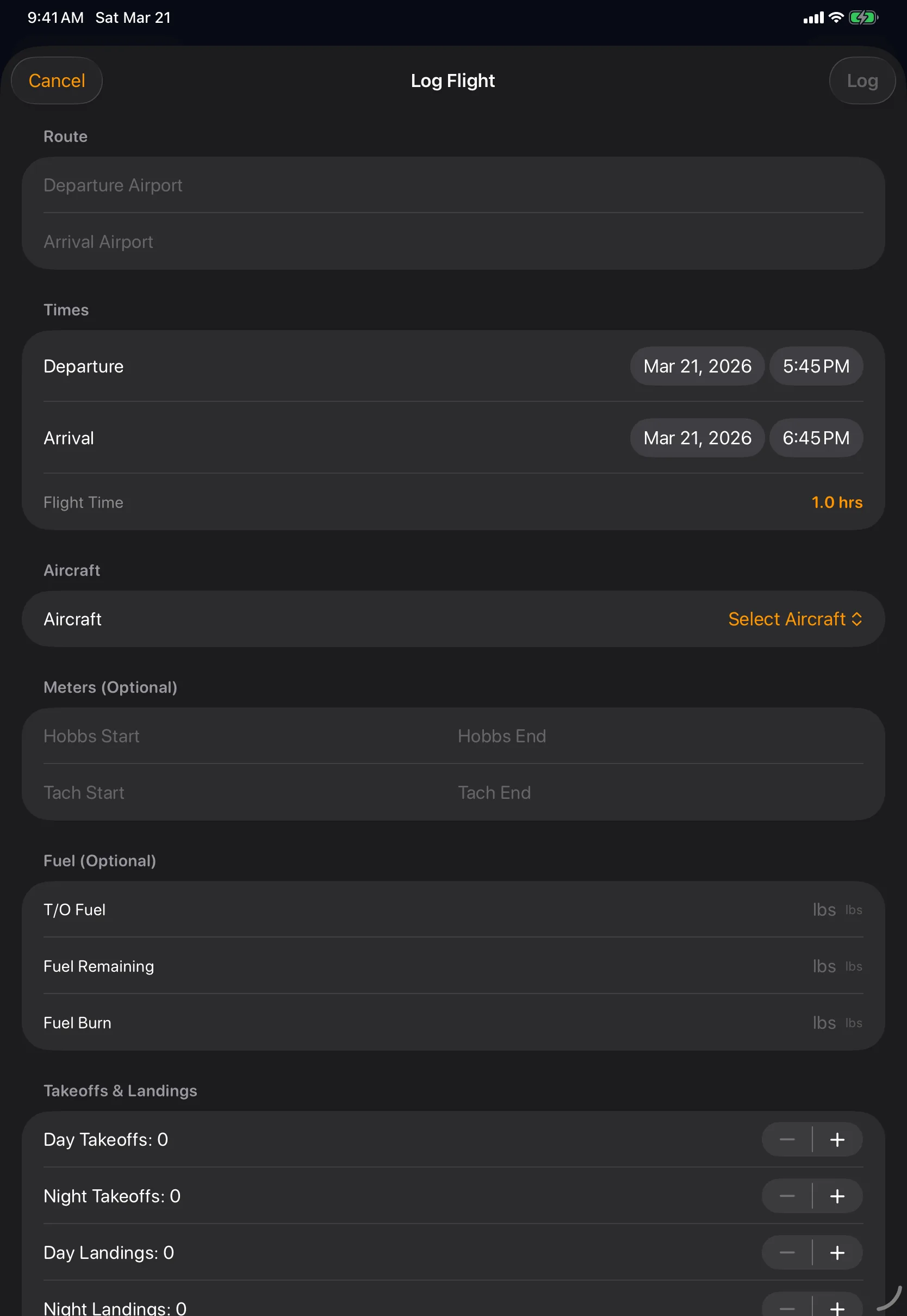
Sky Duty is a digital flight logbook app built for how flight departments actually fly. Instead of re-typing every leg, your logbook auto-fills from the trips you already scheduled, so hours, landings, and Hobbs times are captured the moment a flight closes out. It is a digital logbook that lives in the same app as your scheduling, maintenance, and expenses, and it works offline on iPhone and iPad.
Template-driven entries
Build logbook templates that match how you fly. Add fields you need, hide the ones you do not.
- Custom fields — add what you need, hide what you do not
- Multiple templates per organization
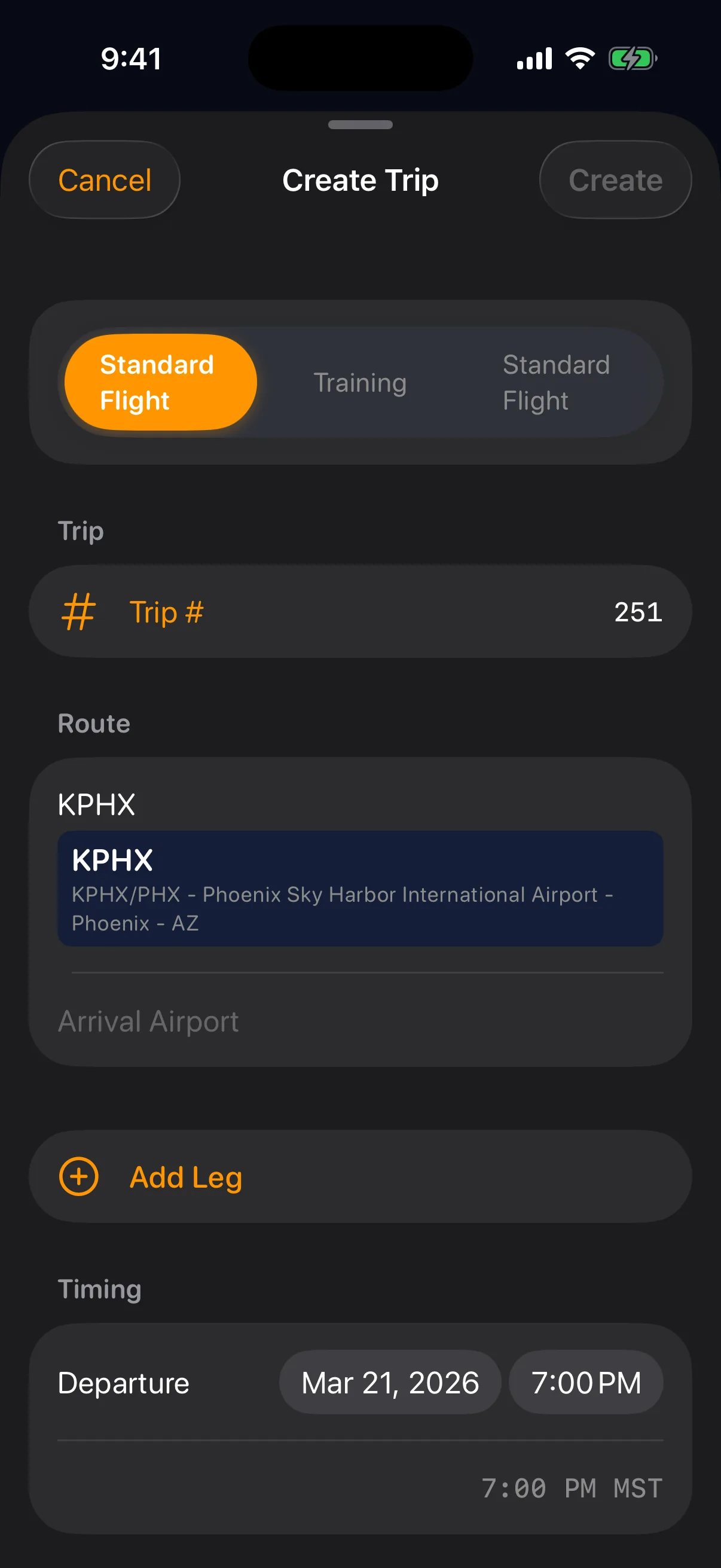
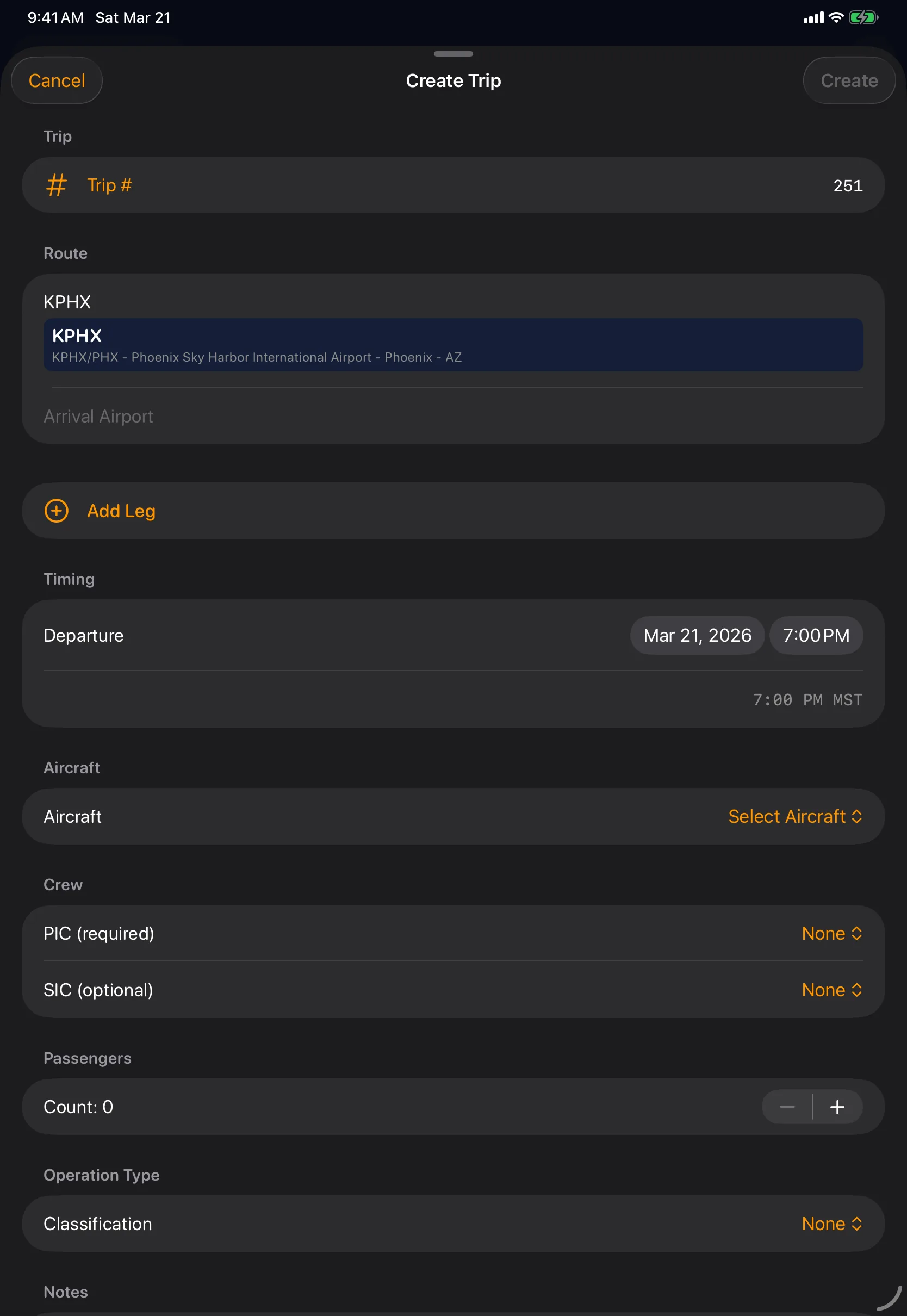
- Auto-fill from scheduled trips — no double entry
- Mandatory field protection for compliance
47,000+ airports worldwide
Deep airport data at your fingertips. Search by identifier, name, or city.
- Deep airport information with auto-fill, not just ICAO codes
- Search by identifier, name, or city
- Real-time weather for departure and arrival airports
Export and compliance
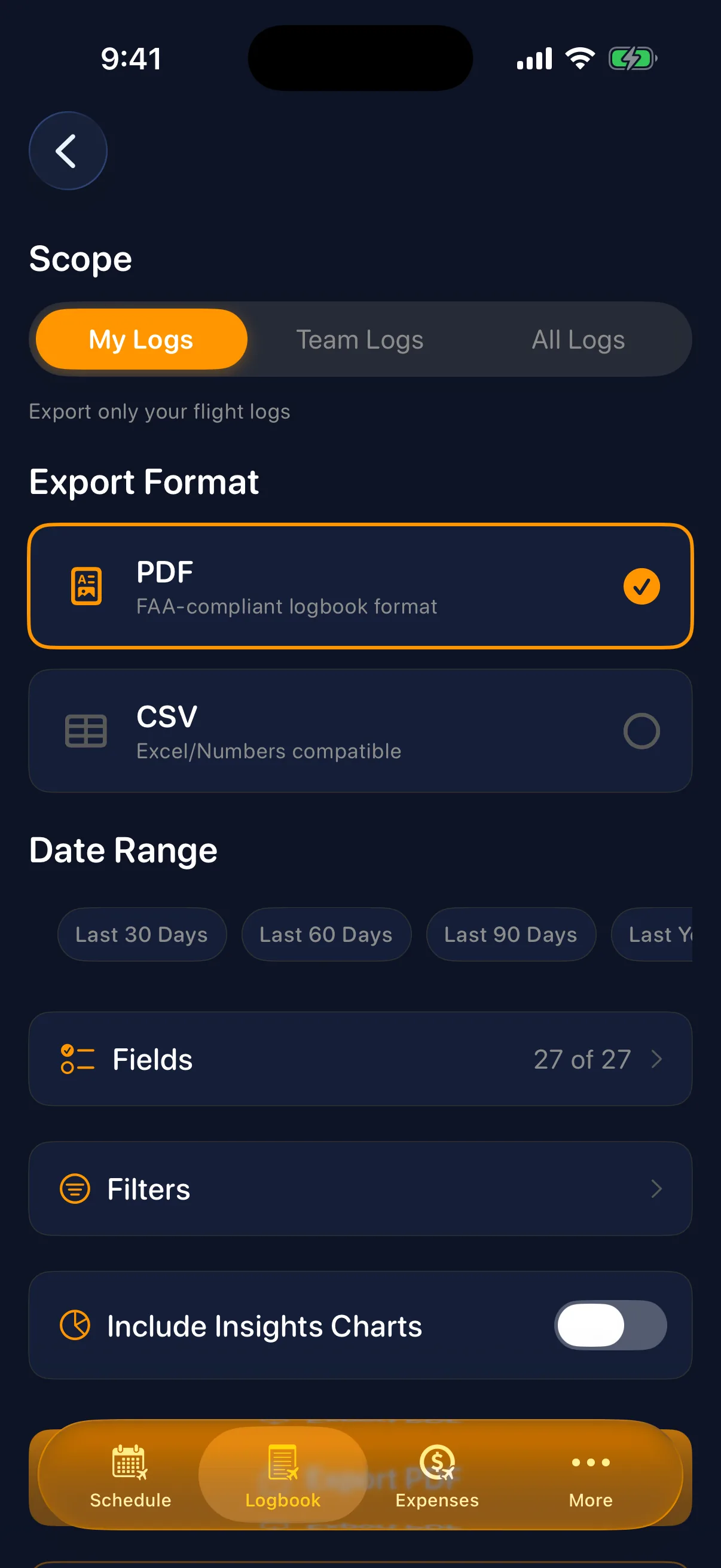
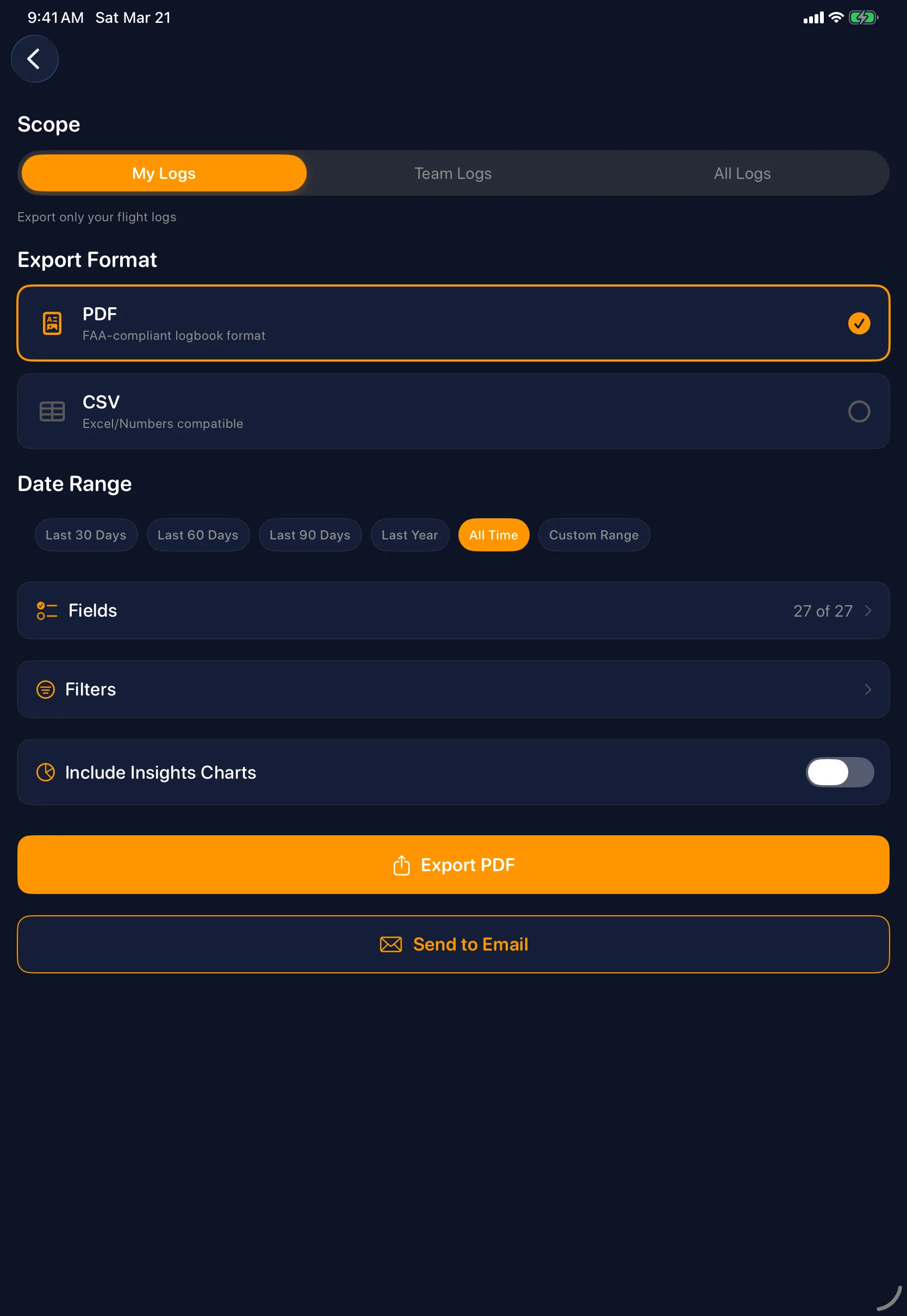
Your logbook data is always exportable and audit-ready.
- Export to PDF and CSV for checkrides and audits
- Running totals and FAA currency calculated automatically
- Searchable, sortable, always backed up
- Unlike paper logbooks, never lost or damaged
Works offline
Log flights anywhere, even without cell service.
- Log flights with no cell service
- Automatic sync when connected
- Full logbook access at 35,000 feet
Switching from another logbook?
Pilots who land here usually have an existing logbook that is not quite working for the operation around them. The three head-to-head pages below cover the most common ones we hear about. If you live inside an EFB on the iPad, the Sky Duty vs ForeFlight breakdown explains why most departments end up running both rather than swapping one for the other. If you are a career pilot who keeps detailed personal hours, the Sky Duty vs LogTen Pro page is the right read — LogTen Pro stays the right tool for that job, and the comparison shows where the operational gap is on the company side. And if you are using a free logbook today and starting to outgrow it, the Sky Duty vs MyFlightbook comparison covers what changes the day a small department starts billing for trips and needs receipts, scheduling, and maintenance to live in the same place as the log.
Related Features
Learn more
Frequently Asked Questions
Is a digital pilot logbook FAA approved?
Can I use my phone as a pilot logbook?
How do I track pilot currency?
Can I export my logbook to PDF?
Ready to simplify your flight ops?
Scheduling, logbook, maintenance, expenses, and fleet management in one app. Available on the App Store for iPhone and iPad.